
Controls
About this game
Core Objective
In Gem Sprint, players control a small character moving through a brightly colored pixel environment. The main task is to collect sparkling gems scattered across the screen while avoiding hazards that end the run. Each gem adds to the total score, encouraging players to plan efficient paths and react swiftly to changing layouts. The challenge grows as the pace increases, making every attempt feel fresh.
Controls and Accessibility
On a computer, use the arrow keys to move up, down, left, or right. On touch devices, simply swipe in the direction you want to go. The controls are responsive and easy to learn, so new players can jump in without a tutorial. This design makes the game suitable for quick sessions or longer play periods, whether at home or on the go.
Visual Style and Atmosphere
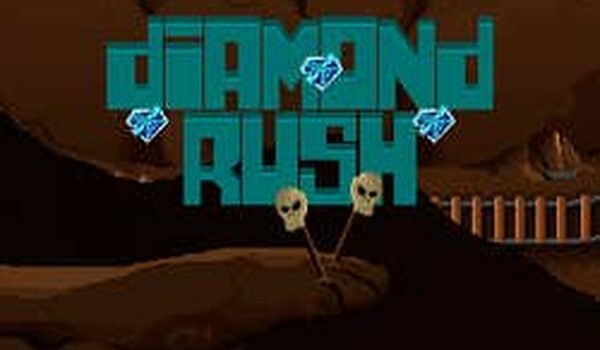
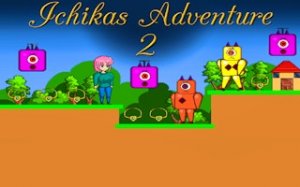
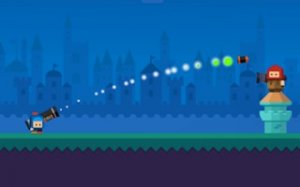
The pixel art style uses bright, friendly colors that appeal to a wide audience. Characters and obstacles are clearly defined, helping players quickly identify threats and targets. The visual simplicity keeps the focus on gameplay while creating a cheerful mood that feels inviting rather than intense.
Difficulty Progression
As players collect more gems, the game gradually introduces faster movement and more complex obstacle patterns. This natural progression keeps experienced players engaged while still being forgiving for beginners. There are no sudden difficulty spikes, allowing players to improve at their own pace through repeated attempts.
Family-Friendly Design
The game contains no violent or inappropriate content, making it a safe choice for children and family play sessions. The straightforward mechanics mean that parents and kids can enjoy the same experience without confusion. This focus on positive entertainment aligns with the needs of households looking for wholesome digital activities.
Compatibility
Screenshots

How To Play
Player Reviews
Gem Sprint delivers a polished collecting experience that is easy to pick up but hard to master. The pixel art style is clean and cheerful, making it ideal for family play. Controls are smooth on both keyboard and touch, and the gradual difficulty increase provides a satisfying challenge without becoming frustrating. It is a great choice for short breaks or longer sessions.






Comments
Sign in to leave a review
Share your rating and tip other players.
No account? Create one
No comments yet.